Look
Everything in Settings, Look. Changes show at once on the home screen.
Theme
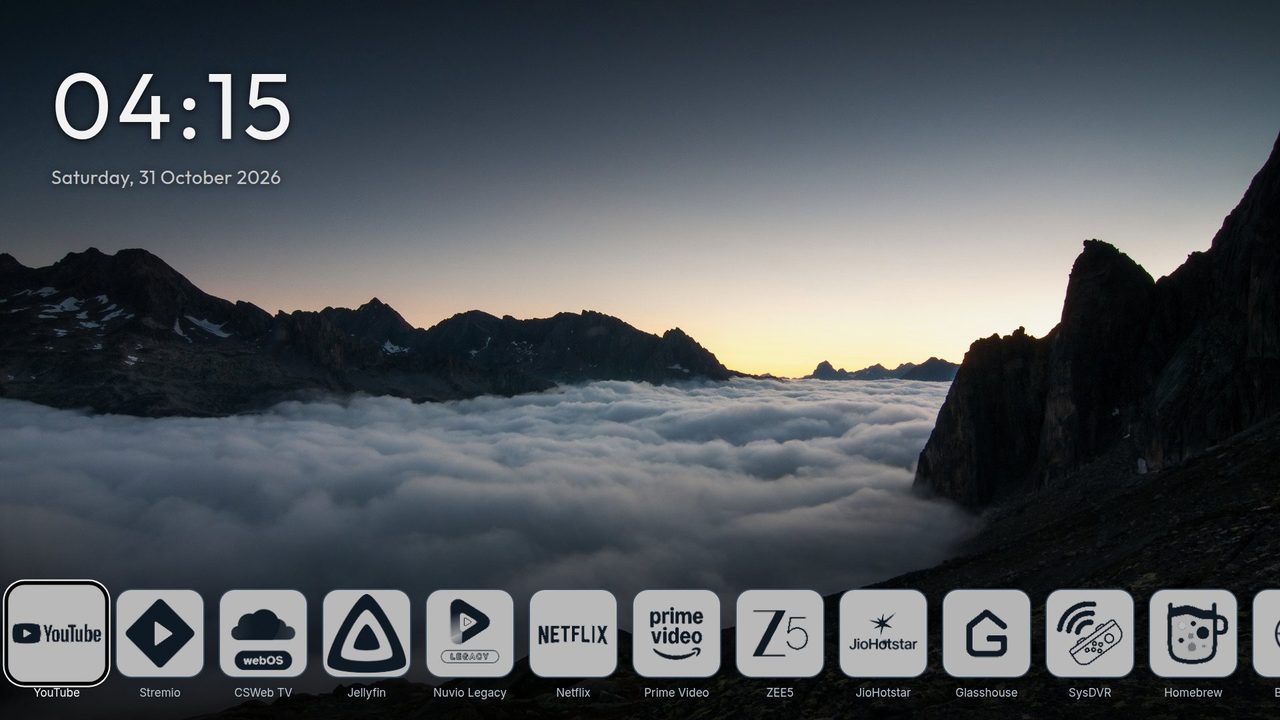
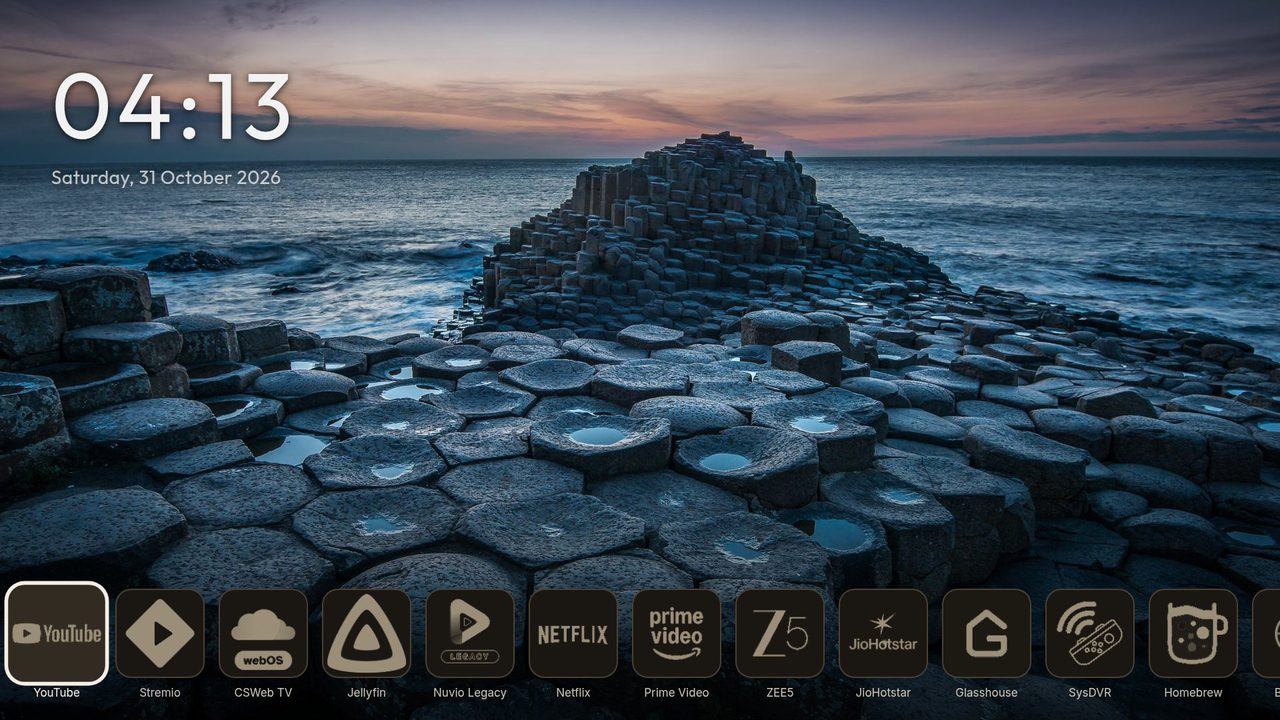
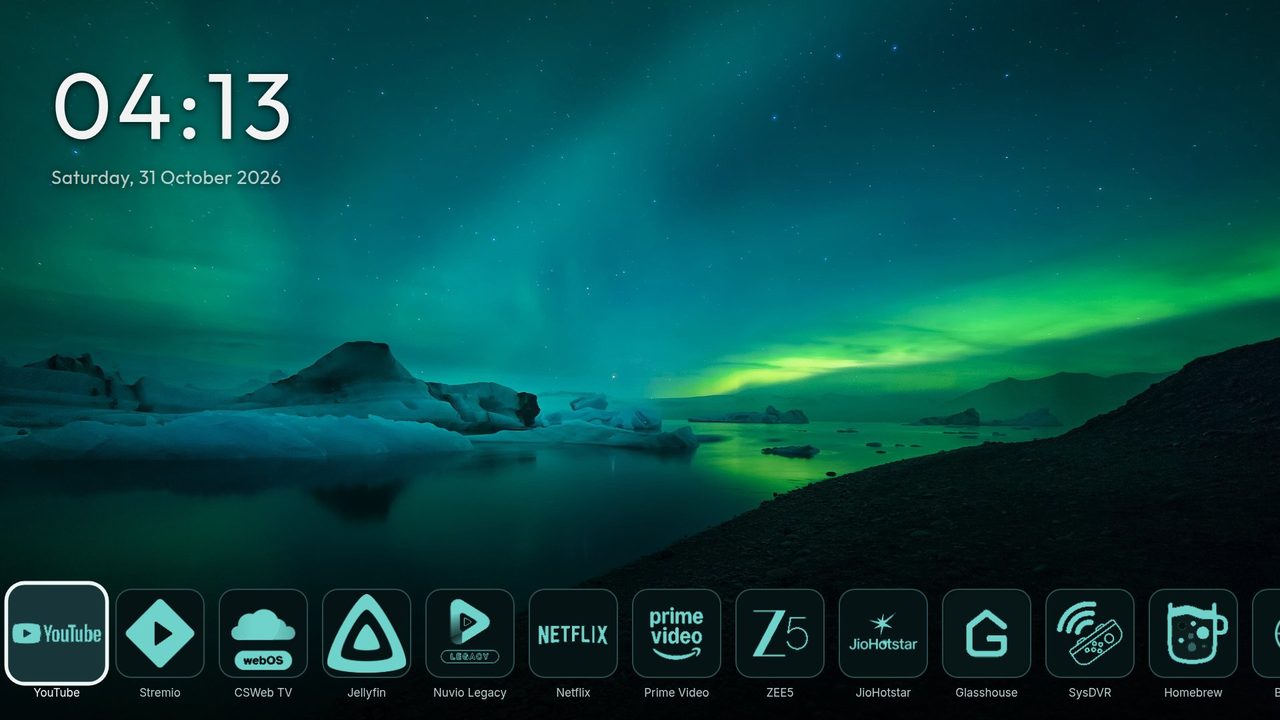
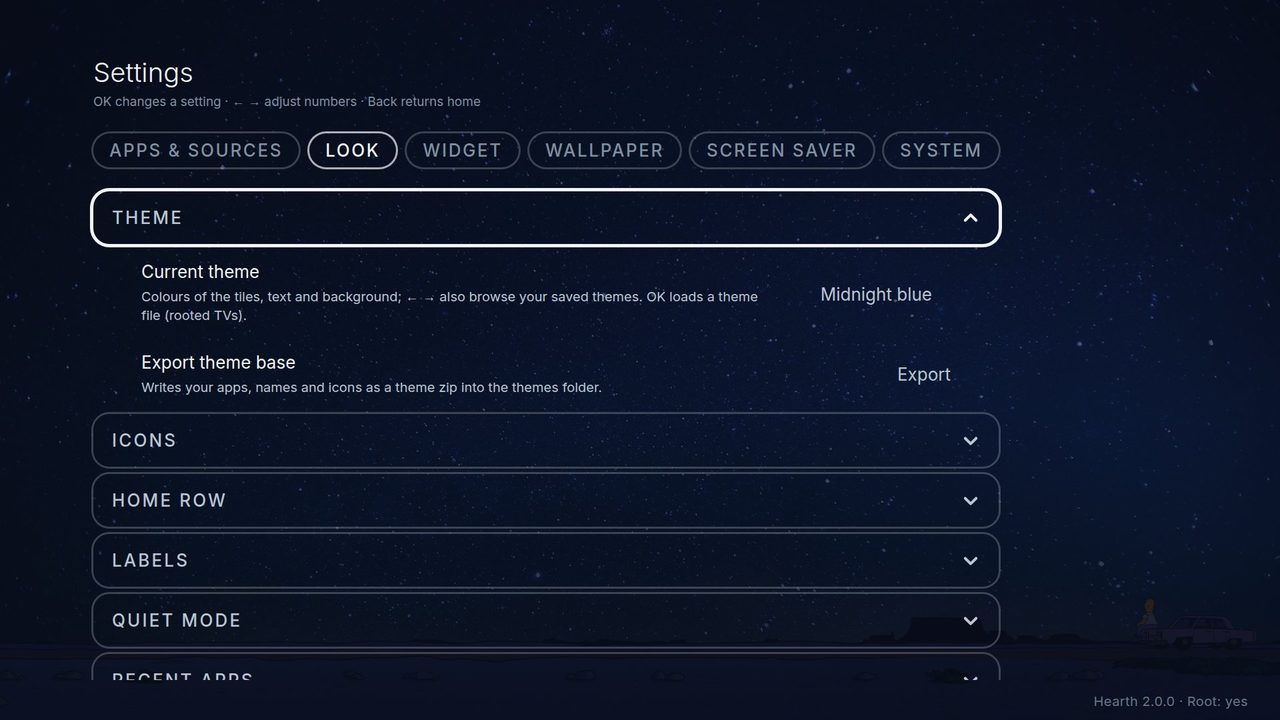
A theme sets the colours of the tiles, the text and the background. Six are built in: OLED black (pure black, the starting choice), Calm blue-grey, Midnight blue, Deep forest, Deep teal and Warm graphite. Press Left or Right on Current theme to try them.
On a rooted TV you can also load your own theme:
- OK on Current theme loads a theme zip from the themes folder on the TV.
- Export theme base writes a starter zip with your apps (in their order), names and icons. Start here: this is the only way to get your app list and icons into a theme, so export first, then change the zip. Copy it to a computer, change it (or ask an AI helper to), and put it back in the themes folder.
- Save this theme keeps a loaded theme inside Hearth. Delete this theme removes it again.
How to make a theme: Custom themes.
Icons
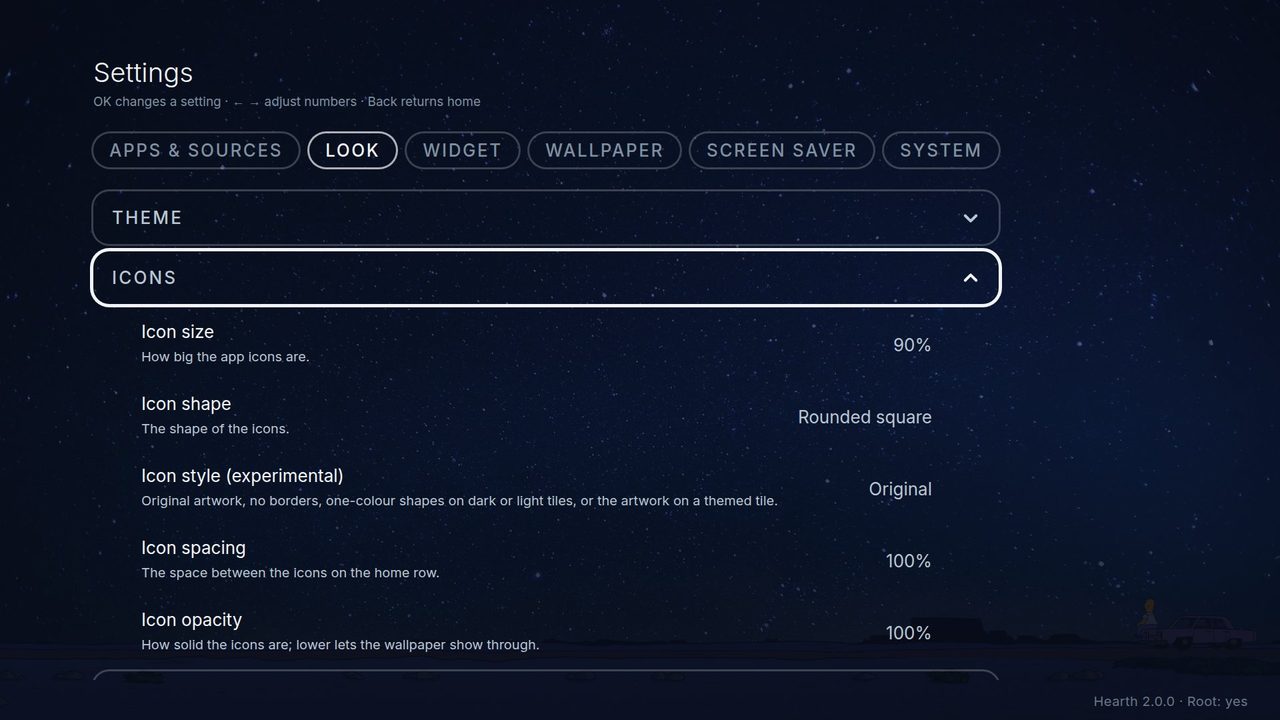
- Icon size, icon spacing, icon shape.
- Icon style: Original (the real picture), Minimal, Dark mono, Soft mono, Accent mono, Gradient mono (one-colour shapes), Tinted tile (the real picture on a coloured tile) and Glyph (just the shape, with no tile; the highlighted icon only grows, and Icon tile: Dark gives dark shapes and labels, Light gives light ones). These are experimental.
- Icon tile: a Dark tile with a light shape, or a Light tile with a dark shape.
- Icon colour: the colour of the shapes (follows the theme at first).
- Icon opacity: lower numbers let the wallpaper show through.
Home row
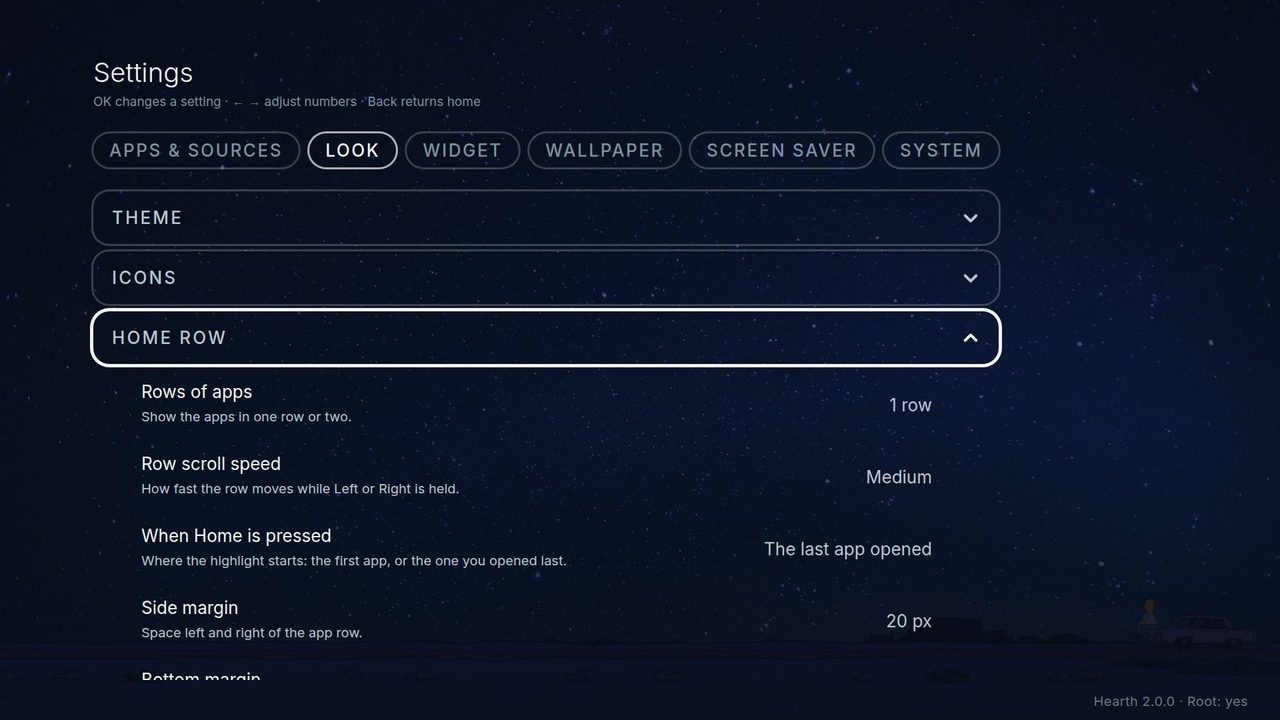
Home row: rows of apps (one or two), Home row: scroll speed (how fast a held arrow runs, or the row scrolls at the pointer's edge), When Home is pressed, Side margin and Bottom margin, Show input status, the switches for the LG Home and System Settings tiles, and Hide the Hearth Settings tile. Before it hides the tile, Hearth makes you try the way back once: hold OK on any app and choose Hearth Settings. Once the tile is hidden, that is how you open the settings. Pressing Down five times on the Home screen (when there is no row below) shows the tile again until Hearth restarts.
Labels (the app names)
Switch the names under the icons on or off, and choose their colour, font, size and thickness.
Quiet mode, Favourites, Recent apps
Quiet mode and OLED shift are explained in Using Hearth. Favourites has its own side and bottom margin. Recent apps has the panel size (Small, Medium, Large).
Reset
Reset Hearth visual settings to default puts the theme, wallpaper, look, quiet mode, clock and weather back to the starting values. Your apps, their order and favourites are not touched. After updating from 1.x, Restore my settings from before the update brings back your old look once.