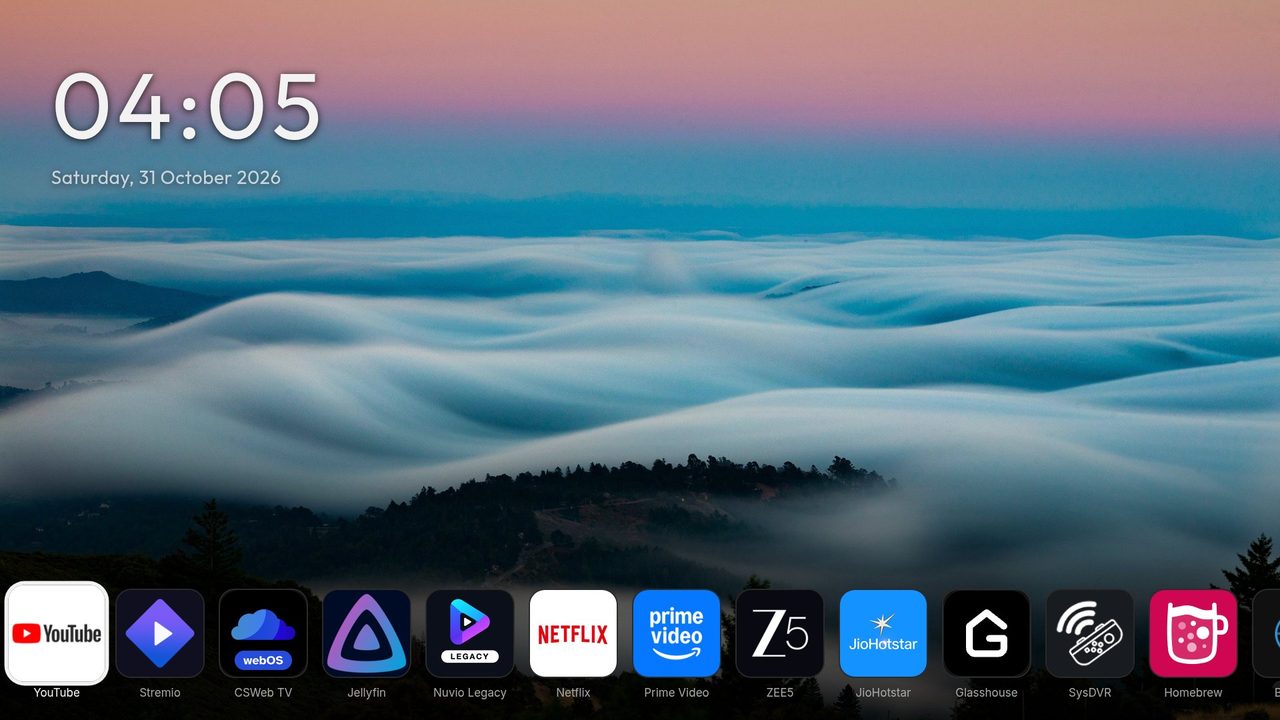
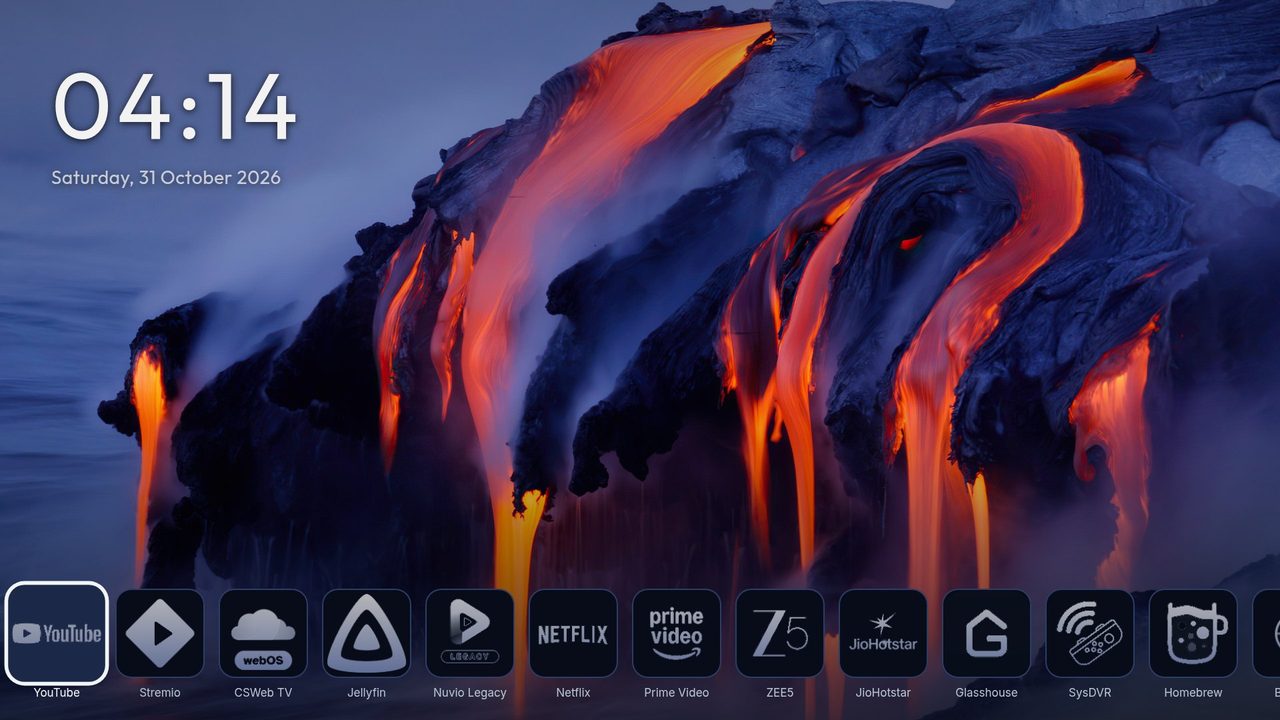
Wallpaper
The wallpaper is the picture behind everything. Open Settings, Wallpaper.
- Wallpaper: OK opens a picker. Choose plain black (or the theme's colour), one of the 25 photos that come with Hearth, a slideshow of those photos, or your own picture or folder.
- Picture size: Fill the screen crops the picture so it covers the whole screen (as before). Fit shows the whole picture; where its shape is different from the screen, the plain background shows at the sides or at the top and bottom. Photos are never turned.
- Change picture every: from 10 seconds to 1 hour (10, 20, 30 seconds, 1 minute and longer), or Each visit: a new picture when Hearth starts again and when you come back to Hearth after at least 1 minute away.
- Shuffle: random order, or A to Z.
- Wallpaper opacity: lower numbers make the picture softer.
- Bottom fade: darkens the bottom of the picture so the icons stay easy to read.
Your own pictures (rooted TV)
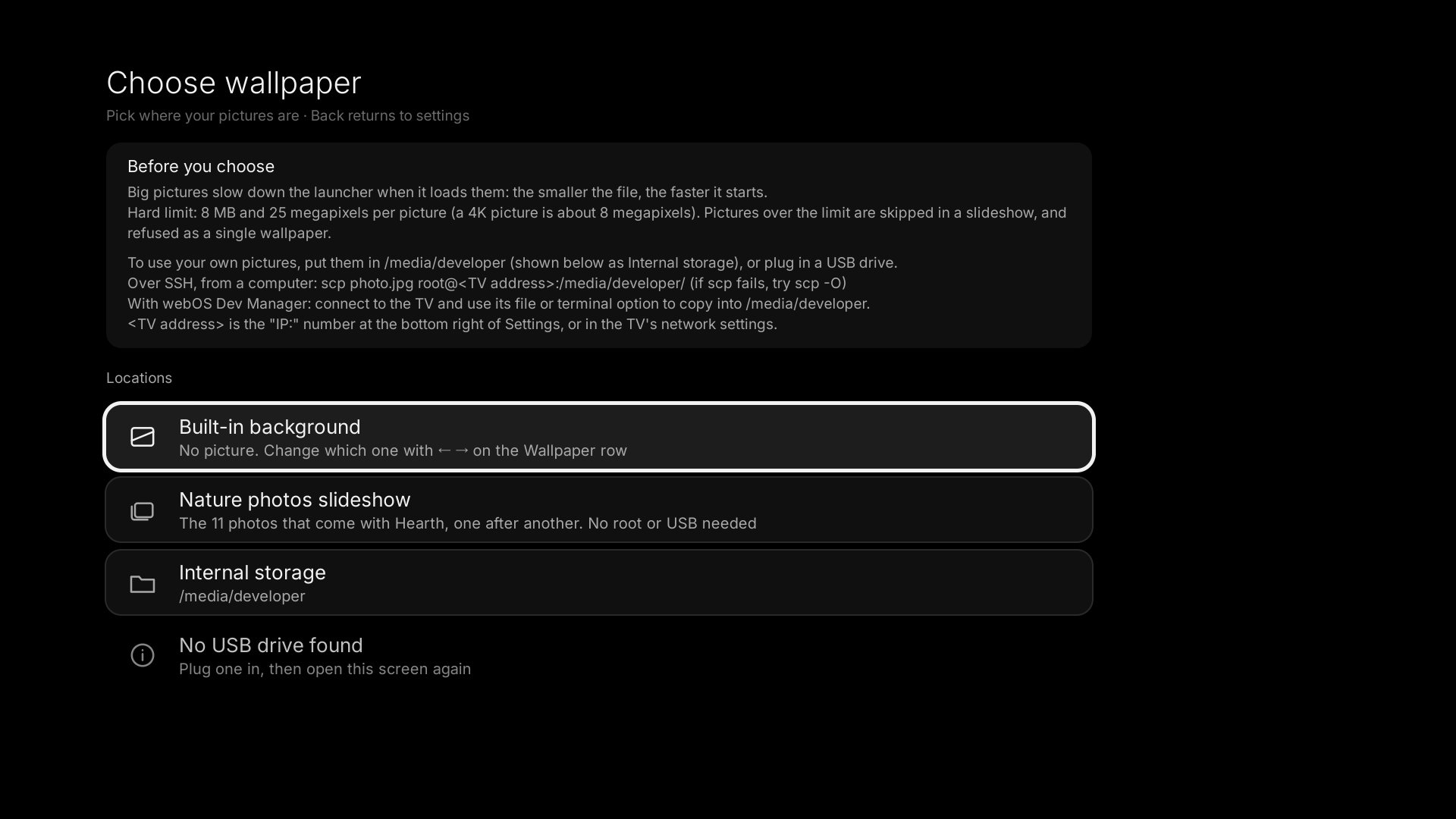
The picker shows a folder browser: a USB stick, or Internal storage (/media/developer). Press OK on a picture to use it. Press OK on Play this folder as a slideshow to show every picture in it. When the folder has other folders inside, a second row plays those too. There is no limit on how many pictures.
Hearth makes two folders for you: /media/developer/wallpapers for wallpapers and /media/developer/screensavers for the screen saver. The picker shows them first. To copy pictures there:
- From a computer with SSH:
scp photo.jpg root@<TV address>:/media/developer/wallpapers/(if that fails, tryscp -O photo.jpg ...). - Or open the TV in webOS Dev Manager and use its file manager.
- Or put the pictures on a USB stick and plug it into the TV.
<TV address> is the IP number at the bottom right of Hearth's Settings.
Your pictures can also be on a NAS or another shared folder in your home network: see Network folder.
Picture size matters
A big picture makes the TV work harder. The best size is 1920x1080: it looks good and Hearth stays fast. Please make your pictures that size. The hard limit is 8 MB and 25 megapixels per picture; a bigger picture is skipped in a slideshow and refused as a single wallpaper. Use JPG, PNG, WebP or BMP. A photo that appears turned the wrong way should be rotated on the computer first.